





Follow these steps if your pet eats from the feeder but no eating record is generated.
Step 1. Confirm the feeder can detect your pet
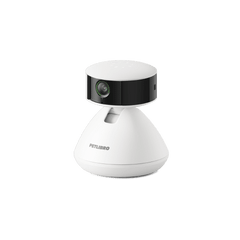
For camera-equipped models, make sure the camera has a clear, unobstructed view of your pet while they are eating. Keep the camera lens clean and avoid placing objects in front of the feeder that may block your pet from view.
Step 2. Check for common causes
Confirm whether any of the following occurred around the time of the missing or incorrect record:
-
Very small food intake: Eating less than 0.6 g may not generate an eating record.
-
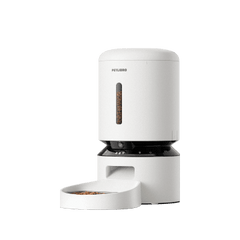
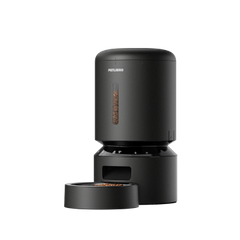
Kibble trapped between the bowl holder and bowl base: Trapped kibble may affect weight measurements and cause missing or incorrect records. Please remove the stainless steel bowl and bowl holder part to clean the bowl base.
-
Food added manually: Food placed directly into the bowl may not generate a corresponding dispensing record, which can affect eating record calculations.
Remove any trapped kibble and make sure the bowl and bowl base are installed correctly. If necessary, perform Empty Bowl Calibration before monitoring the next feeding session.
Still Need Help?
If eating records continue to be missing, submit feedback through PETLIBRO App → Me → Feedback and include the approximate time of the missing record.