





To create a pet profile:
-
Open the Petlibro App.
-
Tap Me > My Pets.
-
Tap the "+" icon.
-
Enter your pet's information
-
Tap Save.
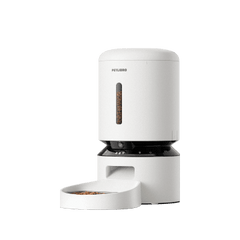
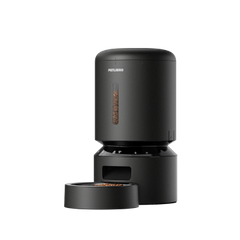
After creating the profile, you can link it to your feeder and upload reference photos for AI recognition.
-
Open the feeder's Device Home.
-
Tap Settings.
-
Select Pets Linked to Device.
-
Tap Link Pet.
-
Choose an existing pet or create a new one.
-
Tap Save.

Once linked, the feeder can begin identifying that pet during feeding.