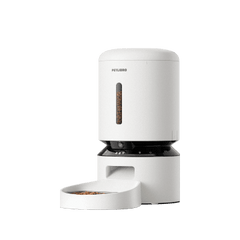
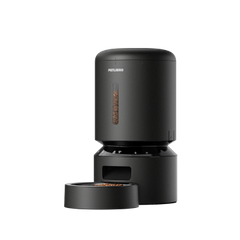






Follow these steps if you've changed your home Wi-Fi or moved the feeder to a new location.
Step 1. Open Device Settings
Go to: Device → Settings → WIFI Settings → Switch Wi-Fi
Step 2. Follow the setup instructions
Select the new Wi-Fi network and complete the connection process.
Step 3. Wait for reconnection
The feeder will reconnect using the new Wi-Fi settings.