

By subscribing, you agree to receive email marketing from Petlibro. Privacy Policy | Terms of Service
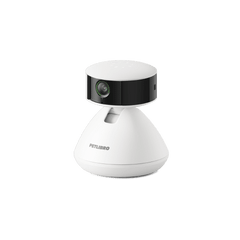
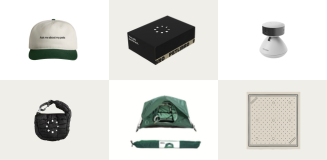
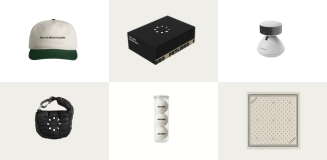
Open to legal U.S. residents, 18 years or older. Void where prohibited. Giveaway begins on 08/26/2025 and ends on 09/15/2025 at midnight PST. Three winners will each receive a limited-edition Petlibro PR Kit, which includes the Scout Smart Camera and select branded merch. Winners will be chosen at random and notified via Instagram or email (depending on entry format) by 09/30/2025. If a winner does not respond within 48 hours, another may be selected. Odds of winning depend on the total number of eligible entries received. Only one email entry per person will be counted, though additional entries may be submitted through the bonus methods described above. Petlibro is not liable for any issues that arise from participation or use of the prize. Personal information will be collected and handled in accordance with our Privacy Policy.
1. Make sure that the feeder is powered up through the original adapter and power cable.
2. Make sure that the Petlibro Lite app is the latest version, and that the time zone is correct.
3. Make sure the WiFi operates only on the 2.4 GHz network.
4. Delete and wipe data in the App.

5. Reconnect the feeder to the app and set up meal schedules like dispensing 2 portions at 09:03 AM, and dispensing 3 portions at 09:05 AM to see if the feeder releases the grains at the scheduled time.
6. Connect the feeder to another phone or 2.4 GHz hotspot to repeat the steps above to see if the problem disappears.
1. Make sure the feeder is powered up through the adapter and power cable.
2. Make sure the APP is the latest version.
3. Reset and unlock the feeder.
4. Add some food and press the Feed button on the machine several times to see if the rotor runs normally.
5. Reconnect the feeder and manually feed via the App to see the rotor's status.
6. Set up 3 meal schedules to see the feeding result.