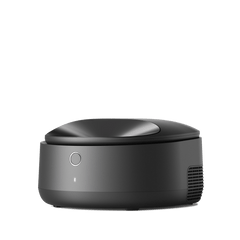







First, ensure there are no pets or foreign objects inside or around the device. Please follow these guidelines carefully to ensure proper operation:
1. Place the device on a hard, flat surface; avoid carpets or uneven floors.


2. Keep the Luma at least 10 cm (about 4 inches) away from walls or furniture; being too close can affect the weight sensors and cause false alerts.

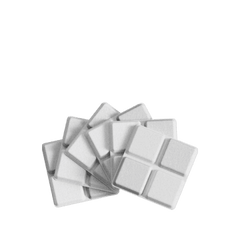
3. Make sure no litter mat, cord, or other items are touching or pushed under the base: the four weight-detection sensors on the bottom are raised. If the small outer circular ring of any sensor presses against a mat edge or another object, it can severely affect measurement accuracy. If using a third-party litter mat, make sure it is not tucked under the litter box.


If alerts continue, quickly double-press the Clean button, wait for the confirmation beep, and the unit should resume normal operation.

Note: The photos below show incorrect placement - too close to the wall and with a mat under the device, which can interfere with the weight sensors.