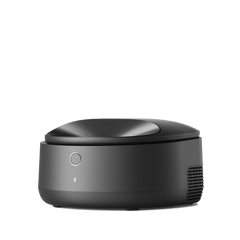
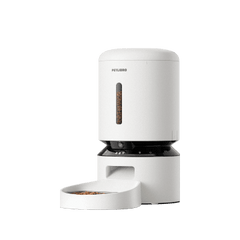
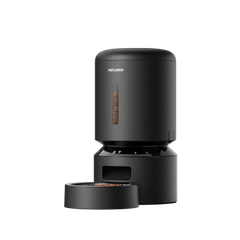


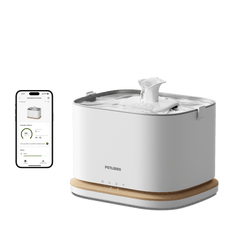




If you’re in Vancouver or Alberta, Canada, and your PETLIBRO device or app has been showing an incorrect time since the November 1, 2026 seasonal clock change, please follow this guide. The issue may also affect device functions that depend on time settings.
Why is this happening?
On November 1, 2026, Vancouver and Alberta did not turn their clocks back in the fall, following their move to year-round time. B.C. announcement · Alberta announcement
Our system was still using the previous time-zone rules and applied a one-hour adjustment to some affected devices. This caused a mismatch between the device time and the correct local time.
We have updated our system to follow the new regional time-zone rules.
What should I do?
All affected users should complete Steps 2 and 3. If you use a feeder, complete Step 1 first.
Step 1: Refresh feeding schedules — feeders only
If your device is not a feeder, skip to Step 2.
- Open the PETLIBRO app and select the affected feeder.
- Open its feeding schedules.
- Turn all currently enabled feeding schedules OFF.
- Wait 1–3 minutes, then turn those schedules back ON.
Keep your existing feeding times and portions. You do not need to delete or recreate your feeding plans.
Step 2: Restart your device — all affected devices
- Completely disconnect your PETLIBRO device from power.
- Reconnect it to restart the device.
Step 3: Update your phone’s operating system — all affected users
- Open your phone’s Settings.
- Check for an iOS or Android system update.
- Install the latest available update.
If your phone’s operating system is already up to date, no update is needed.
No PETLIBRO app update is required for this fix.
What should I check afterward?
Check whether the time shown for your device in the PETLIBRO app matches your local time.
If your device has scheduled functions, confirm that the intended schedules are enabled and show the correct times.
Still need help?
If the issue continues after completing the steps above, please submit a support ticket directly in the Petlibro app:
Me → Support
To help us assist you more efficiently, please:
- Enable the log consent option
- Include relevant screenshots, such as the incorrect time shown in the app or your feeding schedule (for feeders)
- Provide a brief description of the issue and your city or region
Our support team will review the device logs and help resolve the problem as quickly as possible.